
One of the biggest challenges in any engineering course is helping students quickly find the information they need. Whether it’s SOLIDWORKS project instructions, reference materials, or assignment deadlines, students are more likely to stay engaged when resources are organized and easy to access.
The 3DEXPERIENCE Platform provides several tools that help students locate course materials, view assignments, and stay informed about project updates. By bringing this information together in a connected environment, educators can create a smoother learning experience and help students focus on the work itself rather than searching for files.
Notifications to Help Students Stay Organized
When students log into the 3DEXPERIENCE Platform, notifications help them stay up to date with course activity.
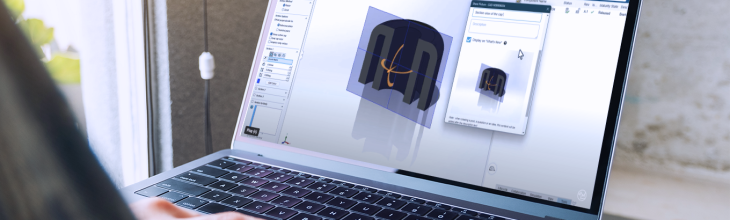
For example, a professor may reply to a project discussion in a 3DSwym community and point students to the location of important project materials. Rather than relying on separate emails or messaging tools, students can see relevant updates directly within the platform.
This helps keep project communication connected to the learning environment and ensures that students can quickly find information when they need it.
Organize Materials with the Bookmark Editor
Once students know where to look, they can use the Bookmark Editor to access course content.
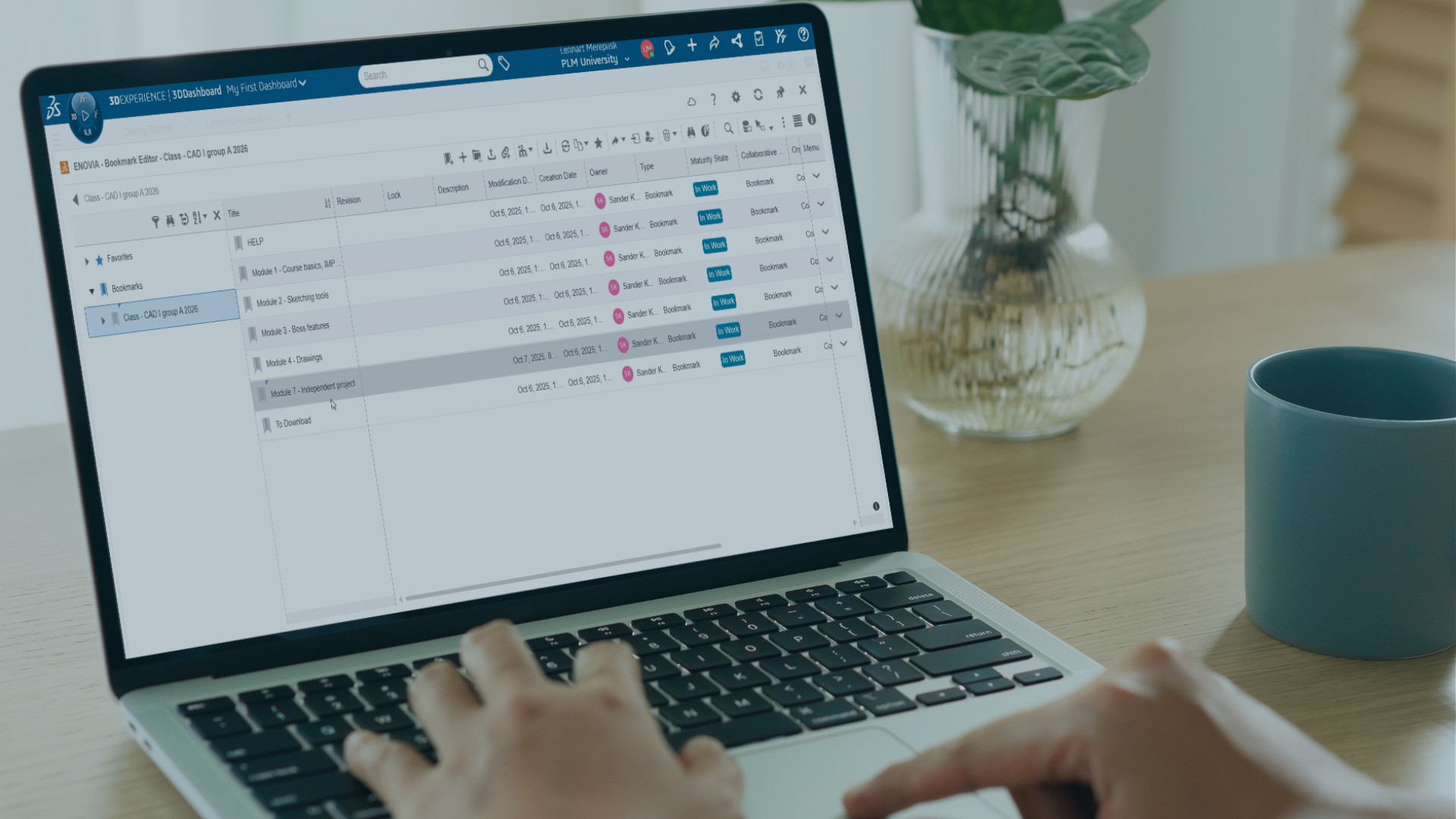
The Bookmark Editor acts as a structured repository for learning materials, project files, and supporting documentation. Course content can be organised into modules and project folders, making it easier for students to navigate through assignments and resources.
In the example shown in the video, students access materials stored within a specific project module. By following the bookmark structure, they can quickly locate the files associated with their assignment.
A clear folder structure not only improves accessibility but also introduces students to organized engineering data management practices that are commonly used in industry.
Preview Files Without Downloading
The platform also allows students to preview files directly within the Bookmark Editor.
With a simple double-click, students can open and review available materials without needing to download every file first. This makes it faster to confirm that they have found the correct resource and helps keep learning materials connected to the project environment.
For educators, this means fewer barriers between students and the information they need to complete their work.
Track Coursework with Collaborative Tasks
In addition to accessing files, students can use Collaborative Tasks to view and manage their assignments.
From the platform’s navigation ribbon, students can open a task and view important details such as:
- Assignment descriptions
- Priority levels
- Due dates
- Additional project information
Having coursework and project information available within the same environment helps students stay organised. It also helps them better understand expectations for each assignment.
Create a More Connected Learning Experience
When assignments, project discussions, and course materials are connected in one platform, students spend less time searching for information. This gives them more time learning.
By combining notifications, bookmark-based content management, and task tracking, the 3DEXPERIENCE Platform provides a structured environment. It supports both classroom learning and project-based education. These connected workflows help students build the organisational and collaboration skills they will use throughout their engineering careers.
CAD Resources for Educators
Looking for helpful resources and insights for engineering and design educators?
Complete the form to receive our monthly educators newsletter designed just for you.