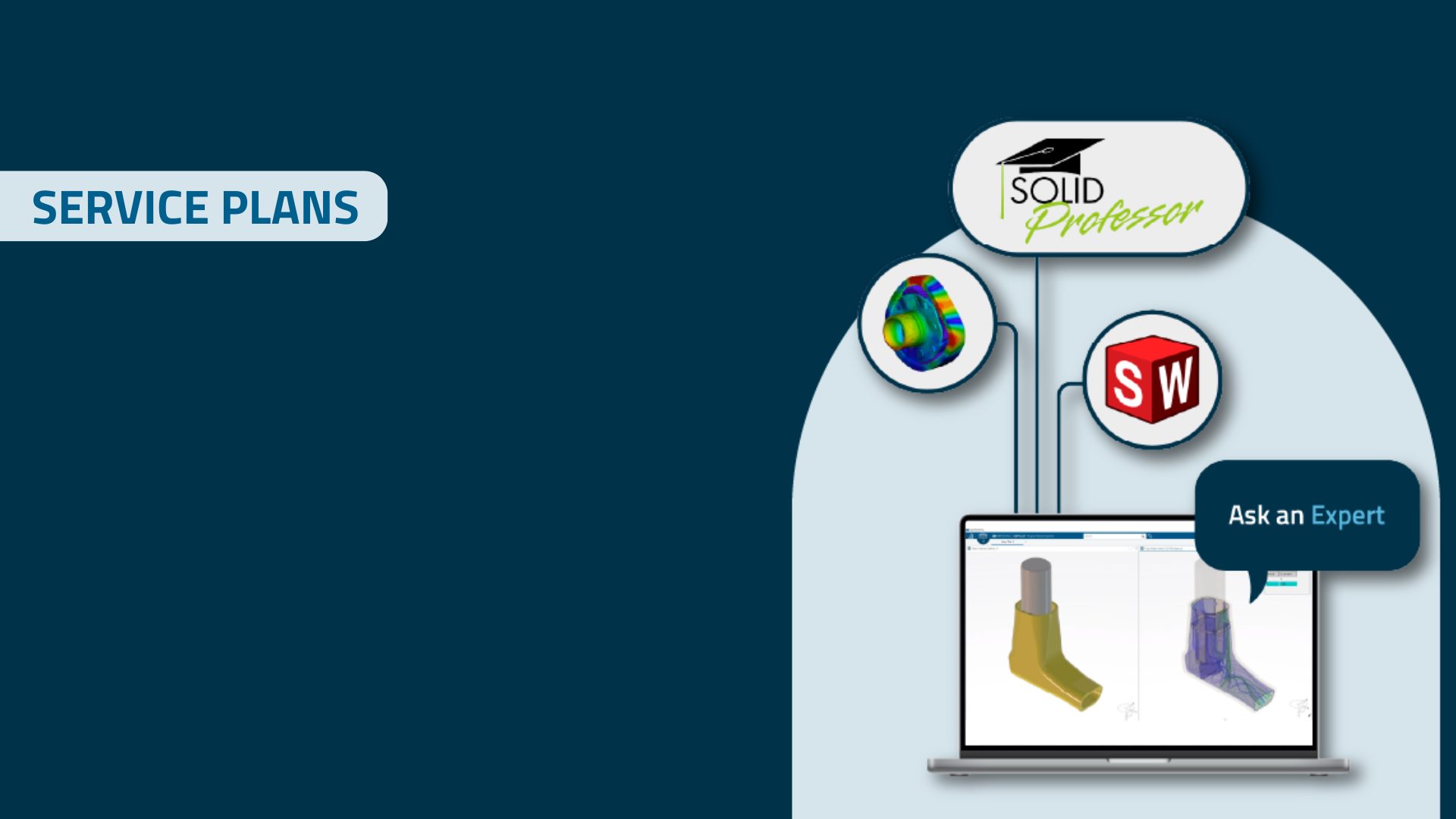
Get insights into how to make the most of your Service plans. Anders and Ulrik guide you through the benefits of the elements in both packages and how to get the most out of them in your daily work.
PLM Group introduced Service plans in 2024, to provide more resources for our customers who have a SOLIDWORKS or 3DEXPERIENCE license with us.
Designed to get the most out of your software solution, it is filled with a range of resources to optimize your workflow, such as expert help, learning tools, and on-demand resources.
In this webinar, Anders and Ulrik guide you through what’s included in the Service plans and how to utilize the value included.
Topics Covered
- How Service plans fit into your daily work and helps improve your processes
- How to learn on the go with SolidProfessor
- How Ask an Expert can help you proceed with your projects
- How to avoid simulation guesswork with Simulation Starter
- How to access and get started
Watch the webinar here:
Any Questions?
If you have any specific questions on how to see which package you have or how to get started with the different elements, we are always happy to guide you.
You might find some of your answers in the questions asked in the webinar. Read the questions below:
How many hours of Ask an Expert sessions are included in the Elite package?
The Elite package includes 1 session of Ask an Expert. Each session is 2 hours. There is 1 session per license.
How do I book an Ask an Expert session?
Through the form on the website. You fill out the contact form with your details and a summary of what you want to discuss, and you will be contacted by a relevant expert.
How can we keep track of how many Ask an Expert sessions we have used?
We have a voucher system to help keep track of this. To get the status, you are always welcome to contact us to understand how many sessions you have left.
How to register 3 users for SolidProfessor, which I have through my Elite package?
For SolidProfessor, the platform administrator can invite the users included in the Service plans Elite package to join the SolidProfessor platform. To help set this up, we invite everyone to join a free SolidProfessor onboarding session, where we will help start this setup. Please contact customer support to get your free onboarding session.
How do I know which service plan I have?
You are always welcome to contact us if you have any doubts. But you can see your Service plans package on your invoice.
How to install SolidProfessor add-in?
- Log in to the SolidProfessor platform
- Navigate to the Dashboard. On the right-hand side, you will see ‘Download the SOLIDWORKS Add-in’
- It is an exe-file you download and run, and SolidProfessor is connected to SOLIDWORK
How do I log onto the SolidProfessor website?
Once you have Service plans, the platform administrator will receive an email with the direct link for how to log in. If you have not received this link, you can contact customer support, which can help you. You can read more here on how to access SolidProfessor.
Is it possible to mix Service plans packages as a customer?
When you renew or buy your SOLIDWORKS or 3DEXPERIENCE licenses, you include one type of Service plans package for all your licenses.
Interested in Learning More?
Service plans are part of any new SOLIDWORKS or 3DEXPERIENCE license or renewal you get from PLM Group. Why not make sure to get the most out of your access? If you don’t have Service plans or want to learn more, click the banner below to find all your answers.
