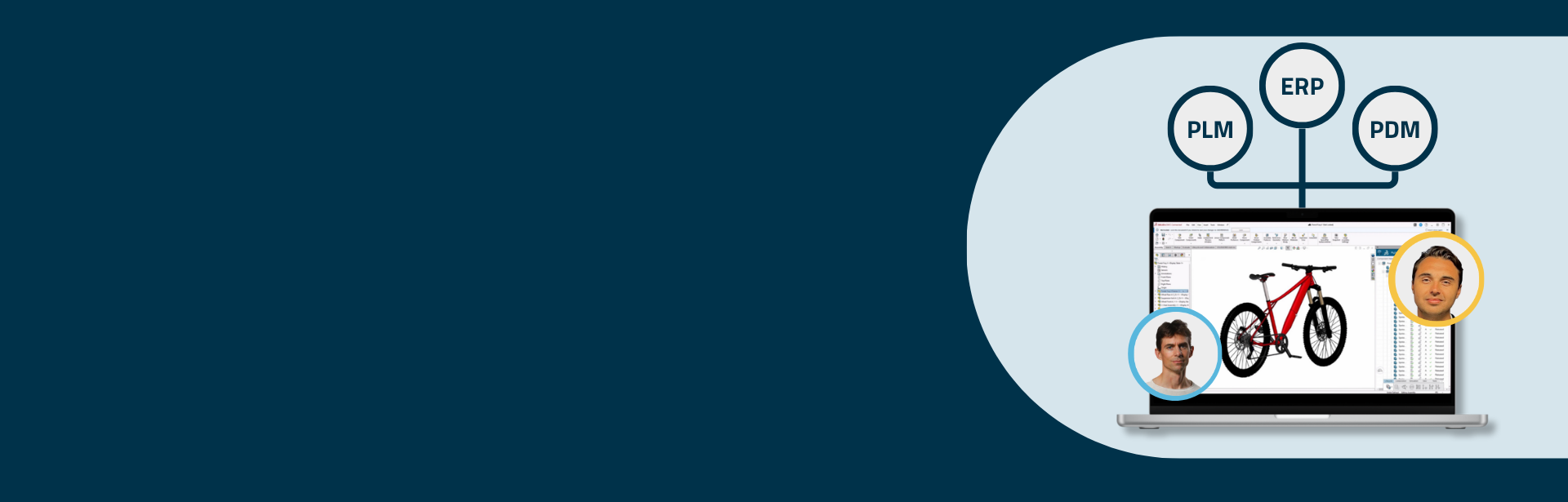
Product data is often spread across engineering, manufacturing, procurement and business systems. As complexity grows, disconnected systems create delays, inconsistencies and unnecessary manual work across the organisation.
If your 3DEXPERIENCE or SOLIDWORKS PDM and your ERP are running on different versions of the truth, this recording is for you.
Tero Salonen from ATR Soft and Joakim Källén from PLM Group walk through what best-in-class integration looks like, how scalable integration architecture works in practice, and how engineering changes can flow reliably into downstream systems.
Are you an engineering manager who owns the data, a production manager who builds from it, or an IT manager who maintains the systems it flows through? The session looks at how disconnected systems affect each of these roles, and what manufacturers can do to create a more reliable flow of information across the business.
Key takeaways
- Connected isn’t the same as integrated
Many manufacturers already link ERP and PLM or PDM. But those links are often fragile, one-way or heavily customised. Instead of creating flow, they create friction: duplicate data entry, slower engineering changes, and different BOM versions in engineering and production.
- Build once, connect many
Point-to-point integrations may solve the first requirement. Over time, though, their rules end up split between both systems, which makes them hard to maintain and risky to upgrade. A reusable integration platform separates the responsibilities. The platform stays the same, and connectors adapt to each new system.
- Control the handover
Integration should start at an agreed event, such as releasing an item structure. The information is validated before it moves, and the connector adapts it to the receiving system’s structure and terminology.
- Two-way flow, one owner
Information can also flow back from ERP to engineering, such as stock levels or prices. But each type of information still has one owner, and every return flow needs a defined business purpose.
- Make errors visible and actionable
Requests, status information, errors, and history remain visible in one place. In the demo, a BOM transfer failed because an item was missing from ERP. The monitoring view identified the affected transaction and the cause, allowing the issue to be resolved within minutes.
- Focus on the process, not the infrastructure
With the platform hosted and managed in Microsoft Azure, you can focus on the questions that create value:- What information should move?
- When should it move?
- Which system owns it?
- How should changes and exceptions be handled?
People and processes come first. Platforms and solutions come second.
Watch the recording here
Q&A
What integration platform do you use? Can other iPaaS solutions be used directly with the 3DEXPERIENCE, PDM and ERP APIs?
The integration platform is middleware developed by PLM Group, running on Microsoft Azure. It uses 3DEXPERIENCE events and APIs to orchestrate the integration between systems. It includes an integration monitoring widget for tracking what’s happening and exporting products manually. It also has logging and a message bus that holds incoming messages for asynchronous processing before they are handled by the appropriate connector for the target system.
Other iPaaS solutions can be used, but if they don’t already have a 3DEXPERIENCE connector, the 3DEXPERIENCE-specific connection and integration logic have to be implemented. Another option is to connect your existing iPaaS to 3DEXPERIENCE through PLM Group’s integration platform.
Can you transfer PDFs and STEP files as well?
Yes. The demo actually included PDFs, and STEP files are possible too. The integration can also include attachments, such as assembly instructions. In short, the documents and derived formats required by the ERP-side processes can be made available there as part of the configured integration scope.
Do you need 3DEXPERIENCE, or could you do this with SOLIDWORKS PDM?
This webinar focused on integrations from 3DEXPERIENCE, but the principles apply to SOLIDWORKS PDM too. The challenges of disconnected systems are the same. The integration platform shown works with 3DEXPERIENCE. For SOLIDWORKS PDM, we have separate solutions with similar capabilities. SOLIDWORKS PDM isn’t cloud-native, so the way they work is quite different.
How would the integration work with SOLIDWORKS PDM?
It uses a separate application designed for SOLIDWORKS PDM. It requires SOLIDWORKS PDM Professional, which gives access to the API.
Is there tooling for a dev, test and production pipeline?
Yes. During development and testing, a staging tenant of 3DEXPERIENCE can be used, so you don’t need to work in your production environment. Final testing should always be done with representative, production-like data, followed by controlled verification in the production environment after deployment.
On the ERP side, it depends on whether your ERP has a staging or sandbox environment. With Odoo, for example, it’s easy to copy the production environment for staging, provided that this is permitted by the customer’s data-security and governance policies. For the connector, it’s usually a matter of configuring different connection points, credentials and environment-specific settings, and test and production integrations can run in parallel.
Do 3DEXPERIENCE and Microsoft Dynamics work together?
Yes. There is always a connector specific to each ERP system, while the reusable 3DEXPERIENCE-side integration foundation remains largely the same. The ERP connector handles that system’s API and rules, as well as customer-specific requirements. Some customers already run this integration with products in the Microsoft Dynamics 365 family.
Ready to take the next step?
If the challenges in the webinar sound familiar, let’s talk. We offer a free, 30-minute one-on-one conversation with one of our experts.
Together, we’ll look at your current environment, your integration goals and whether an integration foundation could create value for your organisation.