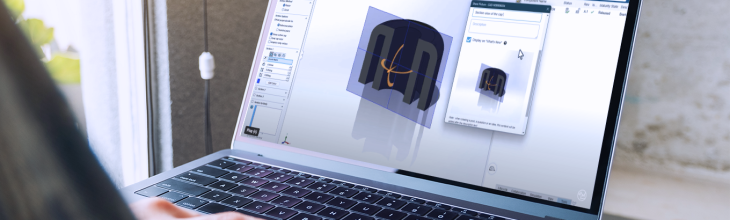
Before you can use your 3DEXPERIENCE platform, there is an all-important step—activation. The 3DEXPERIENCE platform is your go-to place for data, simulation, design, collaboration, and all other steps throughout a product development journey.
It all starts with activation and an email.
See the video below for how to activate your 3DEXPERIENCE platform.
Activate Your 3DEXPERIENCE License with a Unique Link
Nothing can start before you activate your license through the link in your activation email from Dassault Systèmes. It contains a unique activate link that makes your Administrator giving you the rights to manage the platform, assign roles, and much more.
If you’re not supposed to be the administrator, don’t worry—you can forward the email to the correct person in your company. And if needed, you can always change the administrators later.
Welcome to Your New Platform
All activated you can start your 3DEXPERIENCE journey and explore the many features. See the number of roles you have, and assign more to yourself or your team members.
The 3DEXPERIENCE platform is an unlimited way to scale your setup if needed or stay simple if that is your preference.
First Steps to Easy Collaboration
Once you have activated and are on the platform, then what? An easy step is understanding how you use it to simplify your work processes and reduce time-consuming daily tasks. Learn how to simplify your collaboration with the Share and Markup features, and share 3D files directly from SOLIDWORKS.
See our webinar where our experts walk you through the steps to simplify your CAD collaboration.
Want More Tips to Use Your 3DEXPERIENCE Platform?
- Check out our YouTube channel for practical tips for working on the platform
- Join one of our free 3DEXPERIENCE onboarding sessions and learn how to use the platform and understand how to view, share data, and start collaborating with your stakeholders.
- Discover our training catalog for inspiration