
How to Increase CAD Collaboration for SOLIDWORKS Users
You are most likely already using a cloud-based platform in different aspects of your workflow. Why not increase collaboration with one developed for CAD users?
You are most likely already using a cloud-based platform in different aspects of your workflow. Why not increase collaboration with one developed for CAD users?

Our experts, Martin Jensen and Viktor Almkvist, hosted a webinar with the key elements from the PLM Innovation Day. They presented some of the key news from SOLIDWORKS 2025, as well as how you can increase your R&D process by gathering all the processes in one platform. Read the Q&A from the webinar, it might

Find and manage dashboards on the 3DEXPERIENCE platform to stay optimized and quickly find what you need
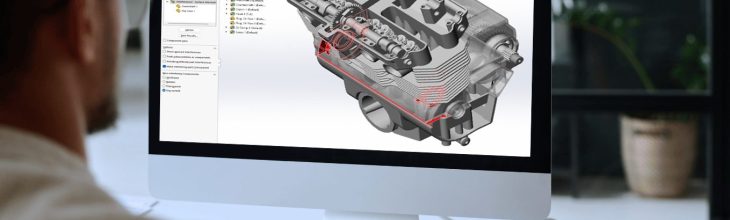
We’ve gathered the best 3 new features in SOLIDWORKS 2025 + a bonus! Read and be inspired
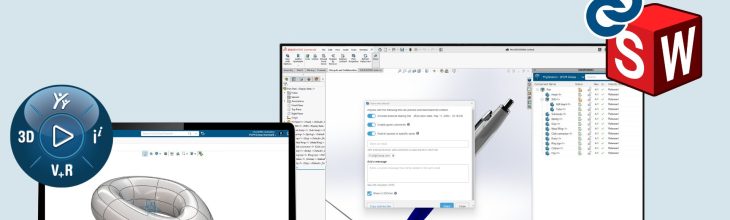
There are a lot of factors to consider when choosing your CAD software. We’ve gathered the 5 most frequently asked questions people have when they are selecting CAD software. Hopefully, it will help you in making a well-informed decision.

In any CAD project, great ideas are bound to come up, and sharing them with your team is crucial. But how can you do that effectively? The 3DEXPERIENCE platform offers a tool designed specifically to capture, share, discuss, and rate ideas in one organized space. This is especially helpful when you’re working in a team

Efficient communication is key when working on collaborative projects, especially when it comes to notifying colleagues about updates or changes. If you’re working on a project in the 3DEXPERIENCE platform, there’s a simple way to keep your team informed: by tagging them in comments. See the video below for a visual guide of how to

Staying up-to-date on your 3DEXPERIENCE platform activity is crucial, especially when you’re not always logged in. Whether you’re traveling or just focusing on other tasks, mail notifications can keep you informed of important updates, such as when someone mentions you in a comment. See the video below for a step-by-step guide to setting up mail
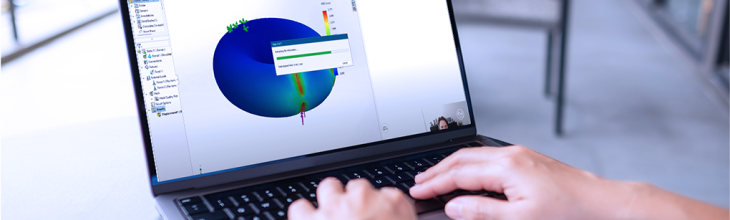
If you’ve been using SOLIDWORKS Connected on the 3DEXPERIENCE platform you might have wondered if you are limited to static simulations. While this was previously true, the 2024 general availability release offers more simulation options. Let’s explore these new capabilities and the steps you can take to expand your simulation toolkit in SOLIDWORKS Connected. See